
Business applications and client portals
Internal tools, approval workflows, and customer-facing applications with permissions, reporting, and a delivery scope tied to the people who will use them.
Build an application around the way your team works. Our US-based team develops custom business software nationwide, connects existing tools, and applies AI to workflows with a clear purpose and a way to measure the result.
Explore the workWhen spreadsheets, email, and disconnected applications hold a process together, it is hard to see where work stands or what should happen next. We start by mapping that process and deciding what a better system needs to do.
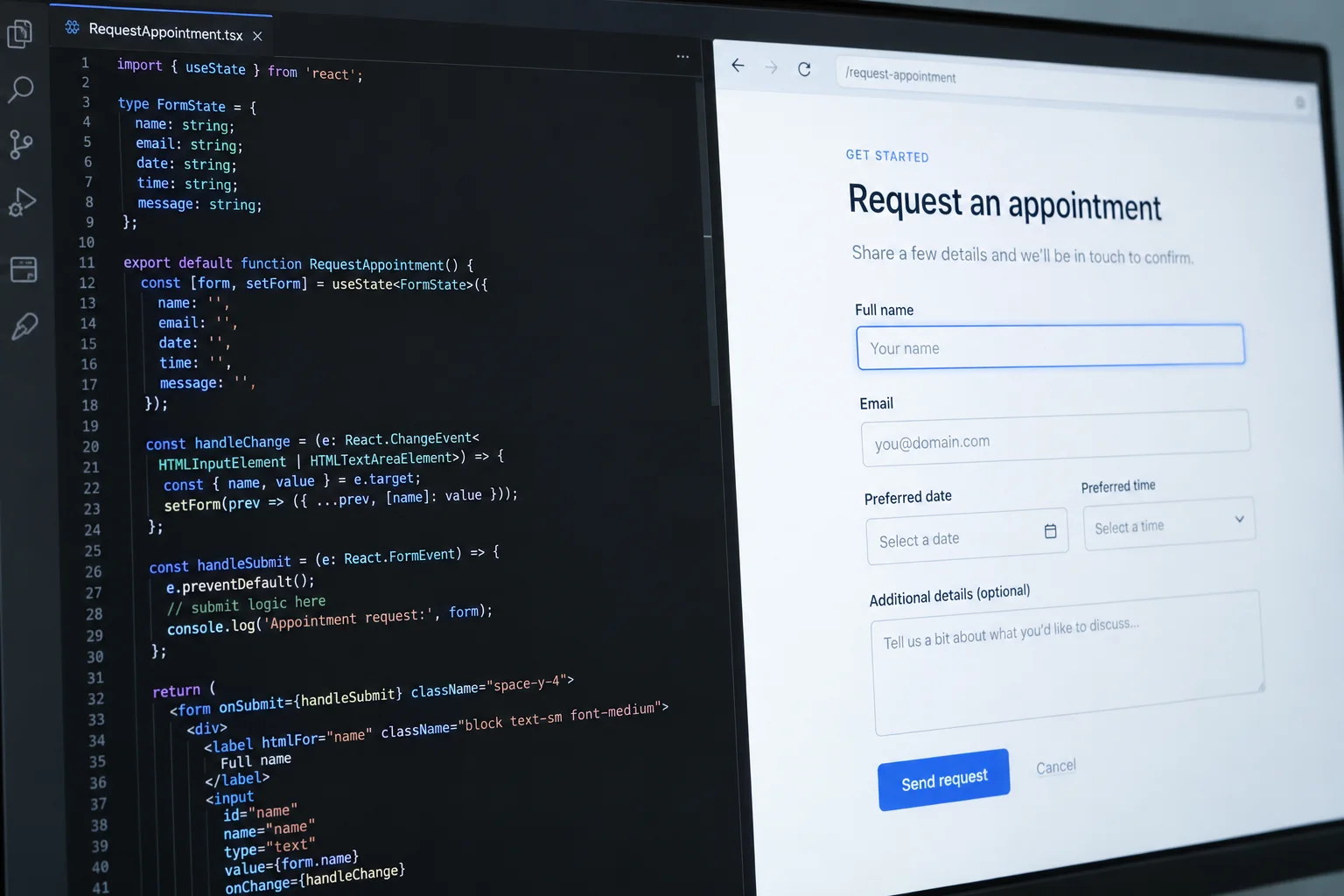
Internal tools, approval workflows, and customer-facing applications with permissions, reporting, and a delivery scope tied to the people who will use them.
Connect existing systems where a focused integration is enough. Define the data flow, validation, exception handling, and ownership before replacing tools that already serve your team.
Apply AI to tasks such as classifying requests, summarizing documents, or retrieving information. Plan evaluation, human review, access controls, and a manual path alongside the implementation.
Document the application, deploy it on agreed infrastructure, and define monitoring and maintenance responsibilities. Support requirements belong in the scope from the start.
Capabilities drawn from our software, automation, and operations work. Each engagement starts with the workflow, access rules, and review steps your team needs.
See how they apply to your industryConnected onboarding, check-ins, educational content, and administration across web and mobile.
Shared assignments, sites, assets, attachments, and review steps that keep the office and field working from the same record.
Customer-ready reports, reviewed snapshots, share links, and structured exports from operational records.
Publishing workflows connected to familiar editing tools, with validation and clear ownership of updates.
Capture requests, coordinate booking, transfer calls, and keep customer details connected to the follow-up workflow.
Graph and vector retrieval over approved files, with supporting sources people can open and verify.
Turn a walkthrough into proposed inventory, with source evidence and correction tools for a person to review.
Responsive answers, inline citations, and conversation history connected to the current user's context.
Client-specific branding, custom domains, isolated data, and configurable feature access.
Searchable listings, licensed feed integrations, and indexable property pages with structured data.
Web, mobile, and admin authentication, multi-factor sign-in, and logged actions designed around the application's access requirements.
Software for rack layouts, capacity records, and connection documentation, linked to the infrastructure workflows it supports.
Agents and repeatable checks against staging environments, with findings organized for review and follow-up.
Version-controlled infrastructure, branch-based builds, and reviewed promotion between development, staging, and production.
Organized findings, ownership, and review status across connected systems so teams can work through the next action.
Useful views of assignments, exceptions, and progress, with filters and exports that support day-to-day decisions.
You should be able to connect the proposed work to a business outcome, understand the first release, and see how the system will be maintained.
Review your tools, users, data, and constraints. Consider an existing product, a focused integration, and a custom build against the same requirements.
Agree on deliverables, access rules, integrations, acceptance scenarios, timing, and delivery responsibilities. Identify the decisions your team needs to make.
Review progress against the agreed scenarios, test the workflow with your team, and prepare the deployment and documentation.
Confirm who owns accounts, code, support, and future changes. Plan ongoing work around the application's actual operating needs.
Based in the United States, we deliver software projects for organizations nationwide. Our Northern Virginia roots connect us to the Washington, DC region, while remote collaboration lets us work closely with teams across the country.
An existing product is often a good fit for standard workflows. Custom development or integration is worth evaluating when important requirements cannot be met well. We can compare those options during discovery.
We assess the available APIs, data access, permissions, and vendor constraints. That assessment determines whether an integration is feasible and what it will need to operate reliably.
Yes. Our US-based team works with organizations across the United States. We agree on collaboration hours, review milestones, deployment, and ongoing support during discovery.
No. Clear, repeatable rules often work best with ordinary automation. AI is useful when interpreting variable text or documents is part of the task and the output can be evaluated.