
Website and form capture
Send website forms, booking requests, and inquiries to the right CRM records with source and page context. Validate fields and match existing contacts before creating new ones.
Connect your CRM to the forms, tools, and workflows that feed it. We build integrations that keep contacts, deals, and activity in sync, with a defined plan for duplicates, failures, and ownership.
Explore the workWhen leads arrive through forms, email, and phone, and jobs or invoices live in other tools, the CRM falls behind. Staff re-enter data, duplicates pile up, and nobody is sure which record is right. An integration moves the data automatically and makes failures visible.
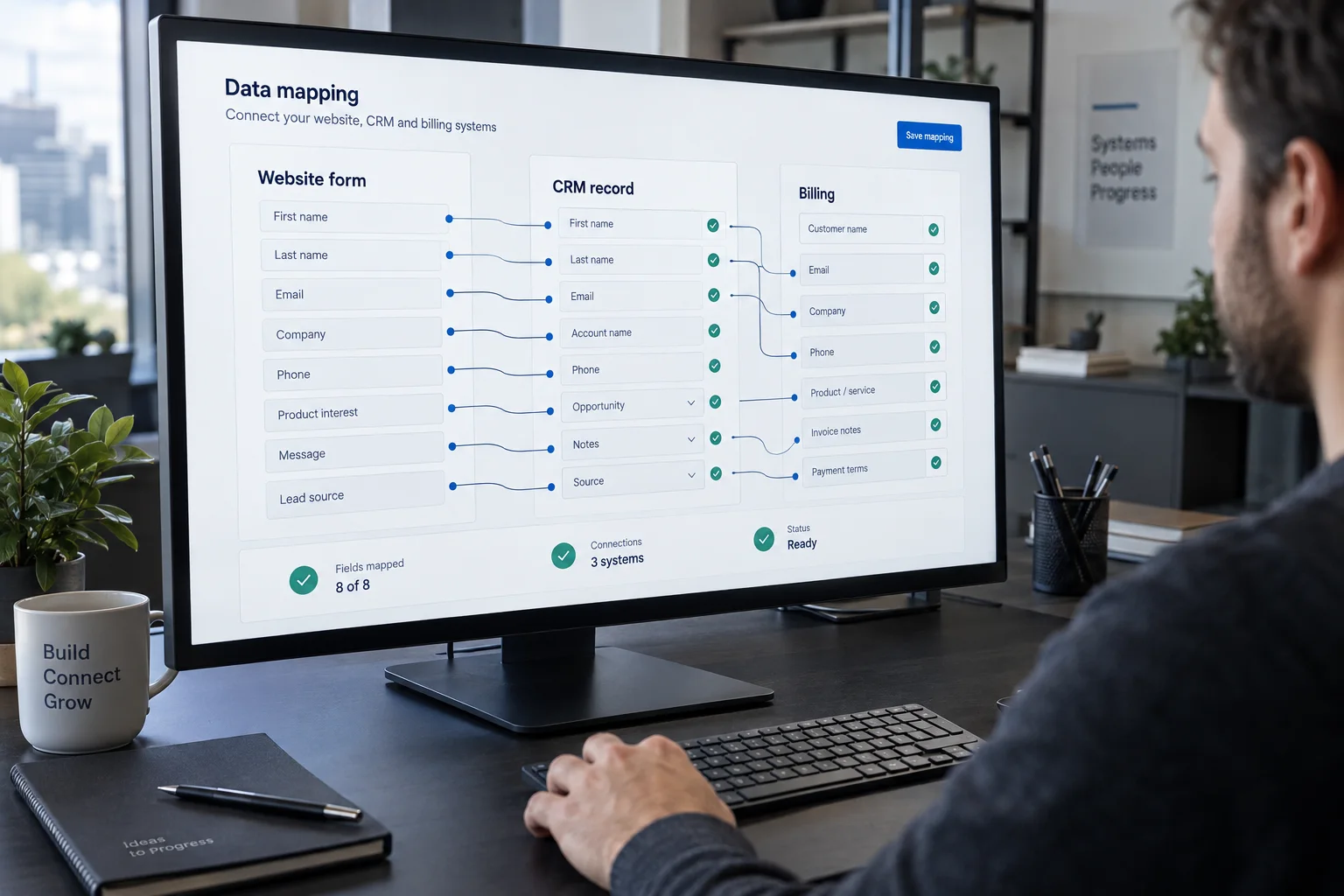
Send website forms, booking requests, and inquiries to the right CRM records with source and page context. Validate fields and match existing contacts before creating new ones.
Keep contacts, companies, deals, and job or order records aligned between the CRM and tools such as billing, scheduling, support, or a custom application. Decide which system owns each field.
Assign owners, create follow-up tasks, and trigger notifications from CRM events. Use plain rules where they work, and AI only where variable text needs interpretation.
Remove duplicates, standardize fields, and migrate data from spreadsheets or a previous CRM, with a reviewed field mapping and a test import before the final move.
The scope should list each system, the direction of every data flow, the fields involved, and who is responsible when a sync fails.
List the systems involved, the records that move between them, how often they change, and who relies on each field.
Decide which system is the source of truth for each field, how duplicates are detected, and what happens when a record cannot be matched.
Implement the integration with retries, error logs, and alerts so a failed sync is visible and recoverable instead of silently lost.
Test with real sample records, including edge cases, then watch the first weeks of live data and adjust mappings where needed.
We build CRM integrations for organizations across the United States. Our team is based in Northern Virginia and works remotely with your staff and vendors, with access and review milestones agreed during discovery.
Any CRM that provides an API with the access your workflow needs, including common platforms such as HubSpot, Salesforce, Zoho, and Pipedrive. We confirm API limits, plan restrictions, and permissions before committing to a design.
Connector tools fit simple, low-volume flows. A custom integration is worth it when you need complex matching, high volume, two-way sync, reliable error handling, or logic the connector cannot express.
We define matching rules, such as email address, company domain, or an external ID, and test them against real samples before launch. Records that cannot be matched confidently go to a review queue instead of creating duplicates.
Failures are logged with enough detail to retry or correct the record, and the responsible person is notified. That recovery process is agreed as part of the scope.