Skip to content

Custom Client Portal Development

Discuss your client portal

Give clients one secure place to submit requests, share documents, and see where their work stands. We design and build custom client portals connected to the systems your team already uses.

Explore the work

Stop answering status questions by email.

When client updates live in inboxes and shared drives, your team spends its time resending files, confirming status, and chasing approvals. A portal gives clients a current view of their work while internal notes and permissions stay separate.

Secure client accounts and access

Client logins, organization-level accounts, and role-based permissions so each client sees only their own records. Invitations, password resets, single sign-on, and account removal are planned as part of the first release.

Requests, documents, and approvals

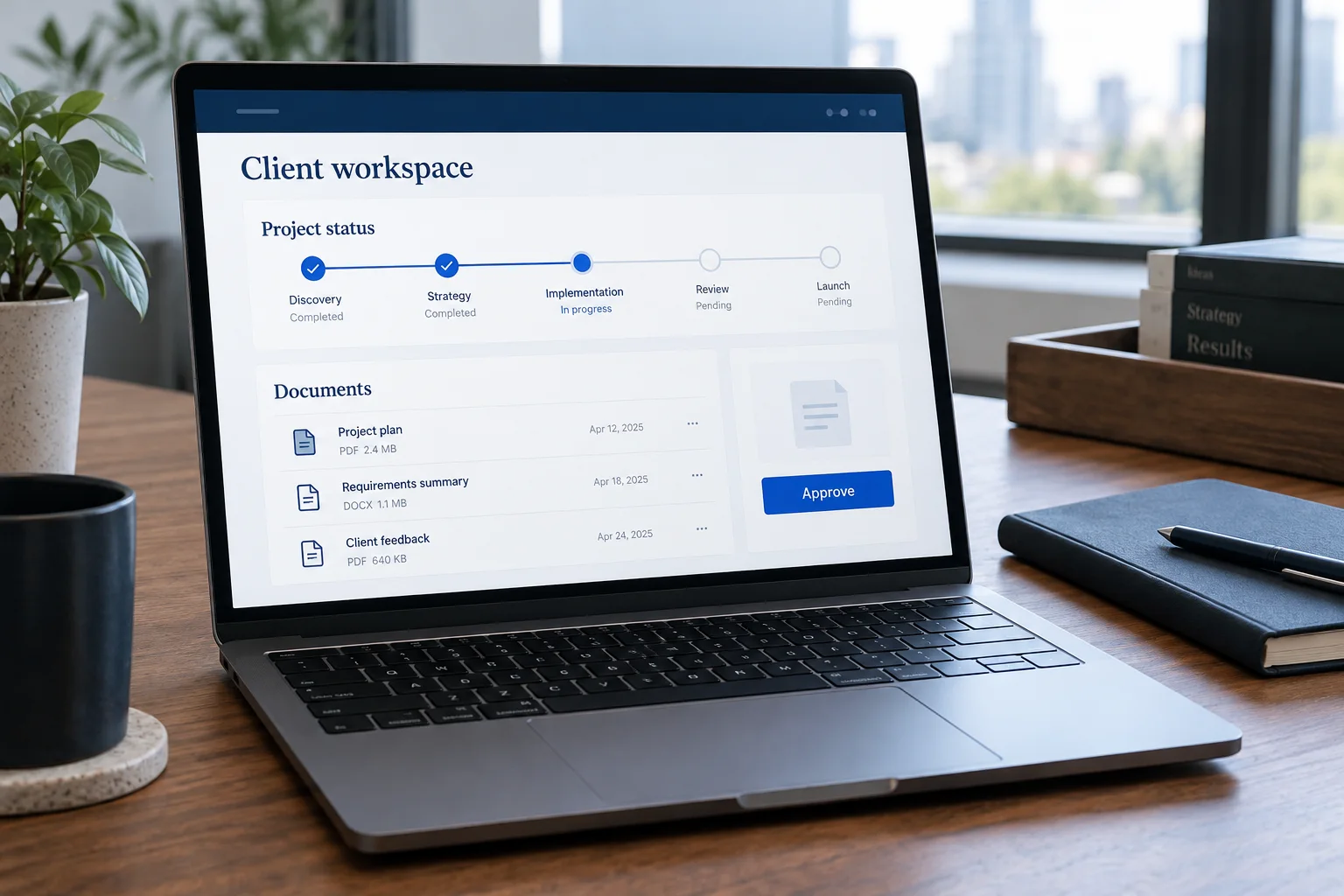
Clients submit requests, upload files, sign off on deliverables, and answer questions in one place. Version history and a record of who approved what stay attached to the work.

Status, messages, and notifications

Show the current stage of each engagement, project, or order. Notify clients about the events they need to act on, without exposing internal discussion.

CRM and back-office integrations

Connect the portal to your CRM, billing, scheduling, or document storage through their APIs so records are not entered twice. Define what happens when a sync fails and who resolves it.

A scope you can review
before work begins.

A portal scope should name the client actions in the first release, the records each role can see, and the systems the portal reads from or writes to.

  1. Map the client journey

    List what clients ask for today, how they send it, and what your team does in response. Start with the interactions that create the most back-and-forth.

  2. Define roles and records

    Agree on account structure, permissions, the records clients can view or change, and which system is the source of truth for each one.

  3. Build and test with real scenarios

    Test the portal with representative clients and staff, including permission boundaries, large files, and failed integrations.

  4. Launch and support

    Plan client onboarding, invitations, support contacts, and how new features are added after launch.

Working across the United States.

We build client portals for organizations across the United States. Our team is based in Northern Virginia and works remotely with clients nationwide, with review milestones agreed during discovery.

Before you start

  • The clients or partners who will use the portal.
  • What they currently request, send, or ask about by email.
  • The CRM, document storage, or billing tools involved.
  • Any login, data handling, or compliance requirements.

Questions before
an engagement.

A client portal is a secure website or app where clients log in to submit requests, exchange documents, approve work, and check status. It replaces scattered email threads with a shared record that both your team and the client can see.

A portal product works well when your process matches it. A custom portal makes sense when you need specific workflows, integrations with your own systems, or a client experience the product cannot provide. We compare both options during discovery.

Usually, if the CRM offers an API with the access you need. We review the API, permissions, and record structure, then define how portal activity maps to CRM records and how sync errors are handled.

Each client account is limited to its own records, and access rules are enforced on the server, not only in the interface. We test those boundaries, including shared records and administrator actions, before launch.

Have a project in mind?

Let's talk.

Let's build the future together.

See how we deliver